
Communications
Power Adapter Cables
Communications Cables
Communications for Multiple Apex Units
Software Options
Power Cable Adapters
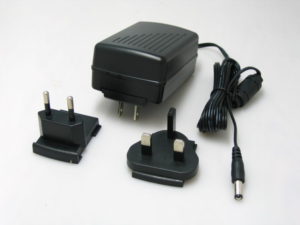
Universal Plug-In Power Adapter with multiple worldwide plug set. The PVPS24U can power one or more Apex units of all types.
Communications Cables
Communication cables for connecting Apex units including:
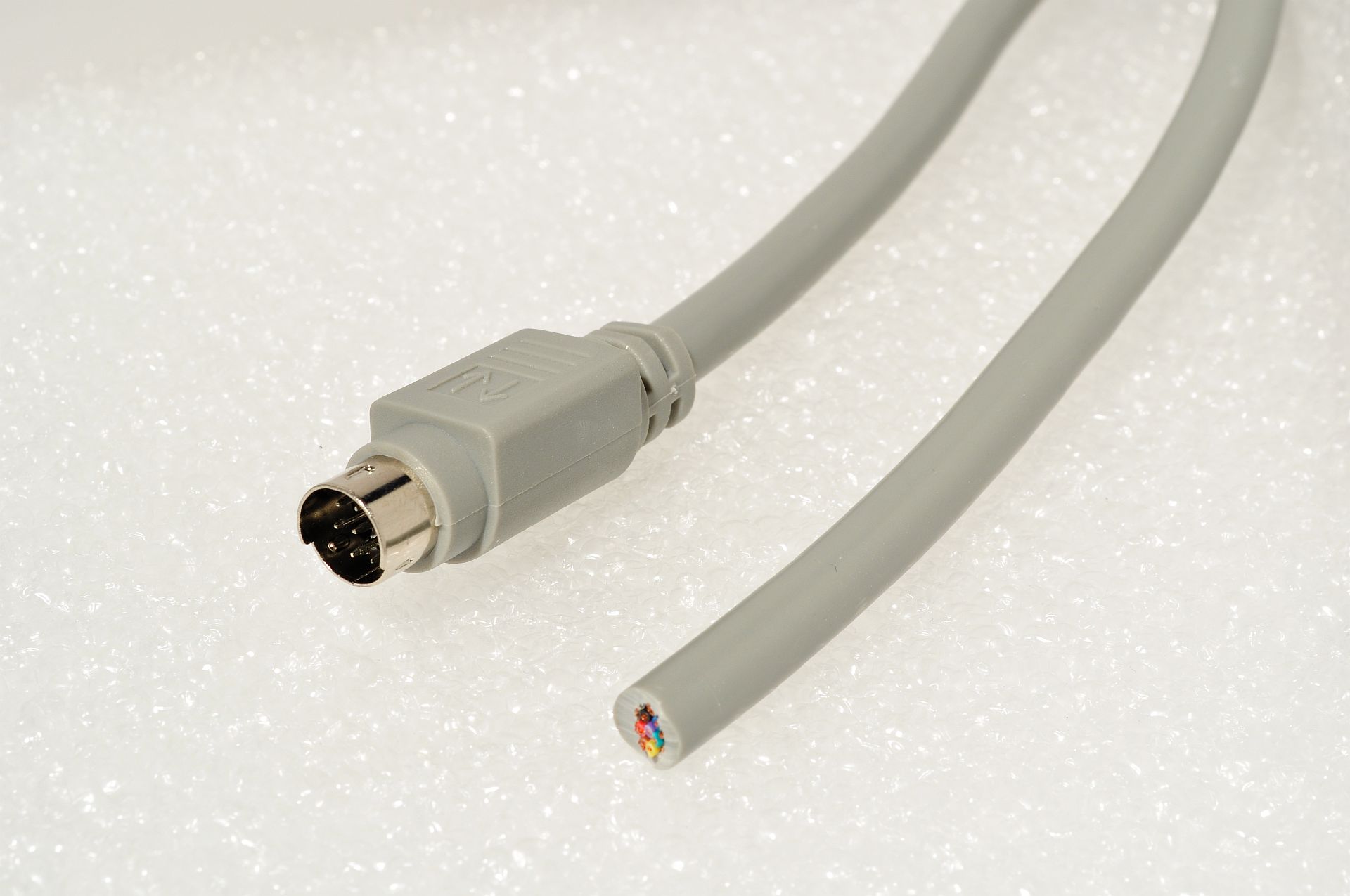
DC-61 6 ft cable from Apex to blank wires
DC-251 25 ft. cable from Apex to blank wires
IC-10 Industrial Screw Connector with Apex Industrial Connector on Apex unit
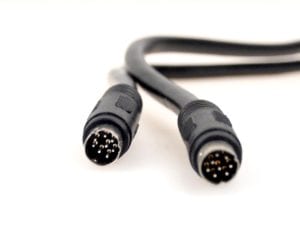
DC-62 Double Ended 8 pin din for use with BB9 Communications Hub
DC-252 Double Ended 8 pin din for use with BB9 Communications Hub
BB9 Communications
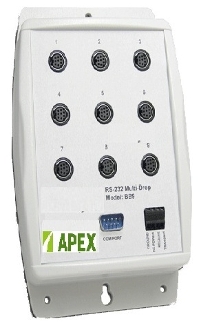
The BB9 Communications Box with USB connector provides a way to connect multiple Apex Mass Flow Controllers, Apex Mass Flow Meters and Apex Pressure Controllers. Each Apex unit is plugged into the BB9 hub with a double ended cable (DC-62 or DC-252). Power can be supplied by using a PVPS24U Power Adapter and plugging that into a standard wall outlet. Power from that unit will move through the BB9 to power other units. Connecting a computer with our FlowVision software installed, can connect to the BB9 and can "talk" to each Apex unit through an addressable RS-232 command. In this way, one computer can control and record output for multiple Apex units.
Flow Software
Flow software is available to run all Apex Products. You can set the set points and graph and store flow data. Mixing software also available for mixing gases from multiple Apex units.